
An kanban interface for OpenProject
## Features Built with OpenProject's API, Open Kanban allows you to visualize your projects in a kanban (makes sense). 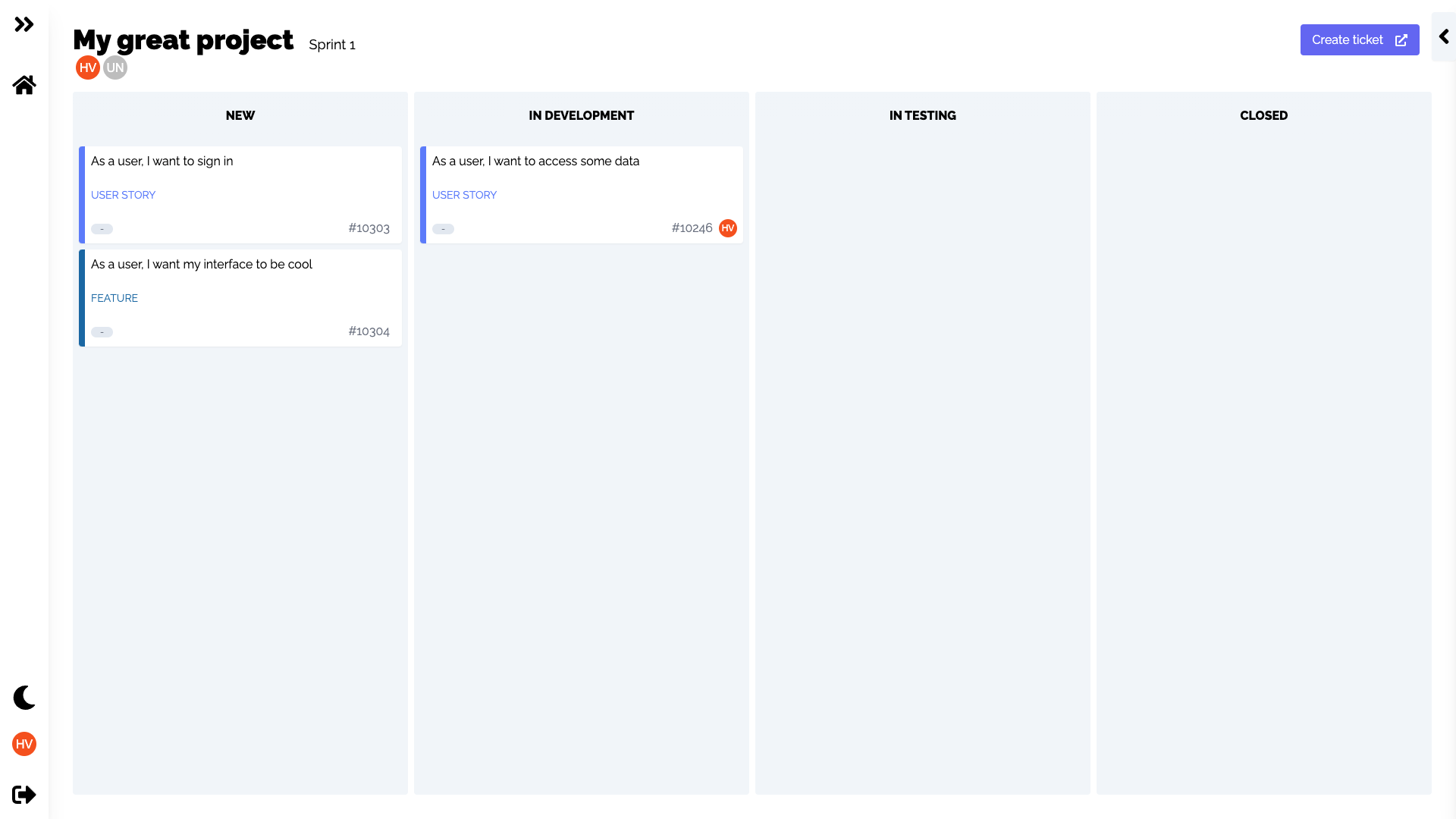 Interact with User Stories with drag and drop, mark task as done with checkboxes and assign users. 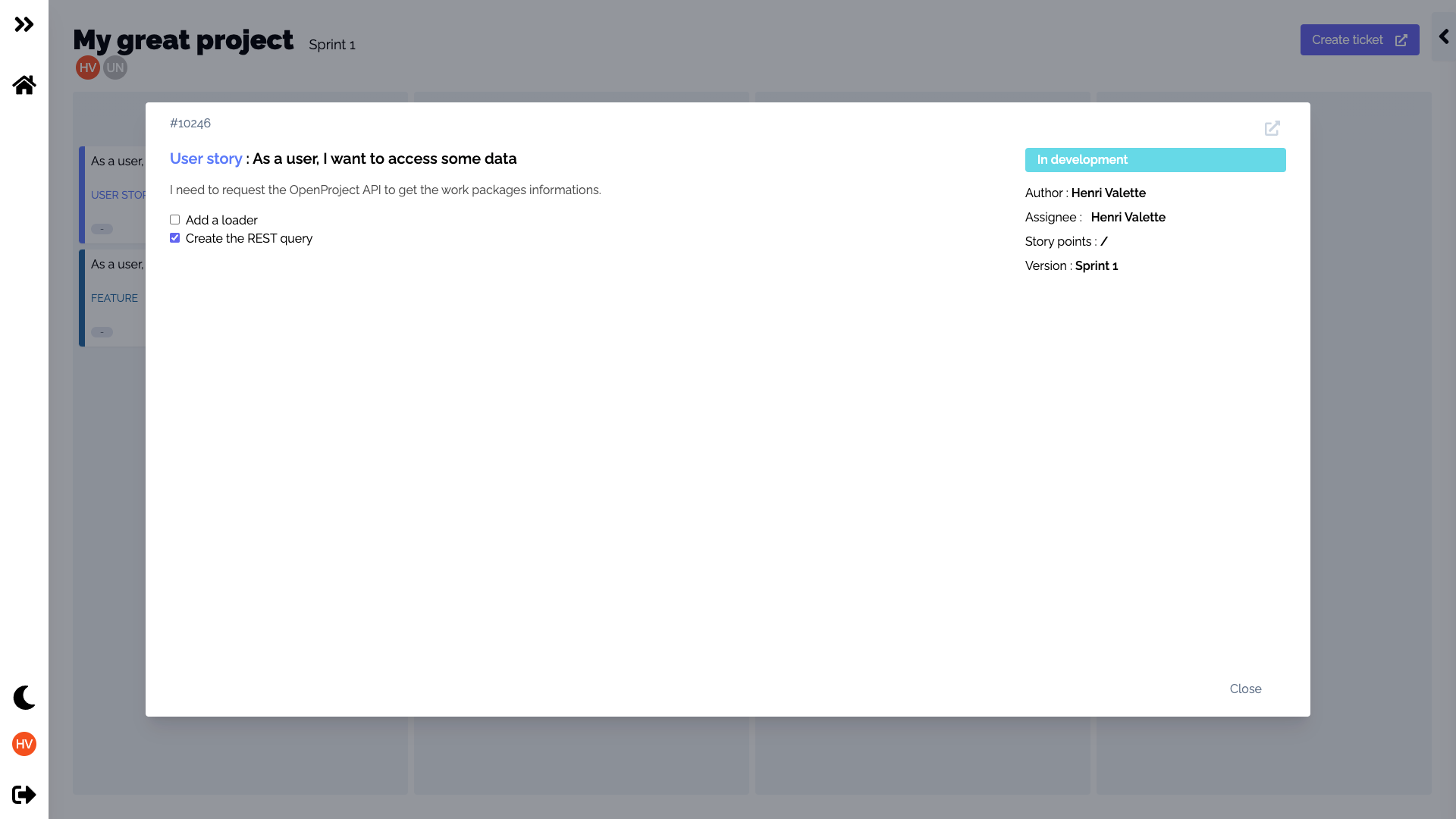 Rest your eyes with a nice dark mode 🌙 . 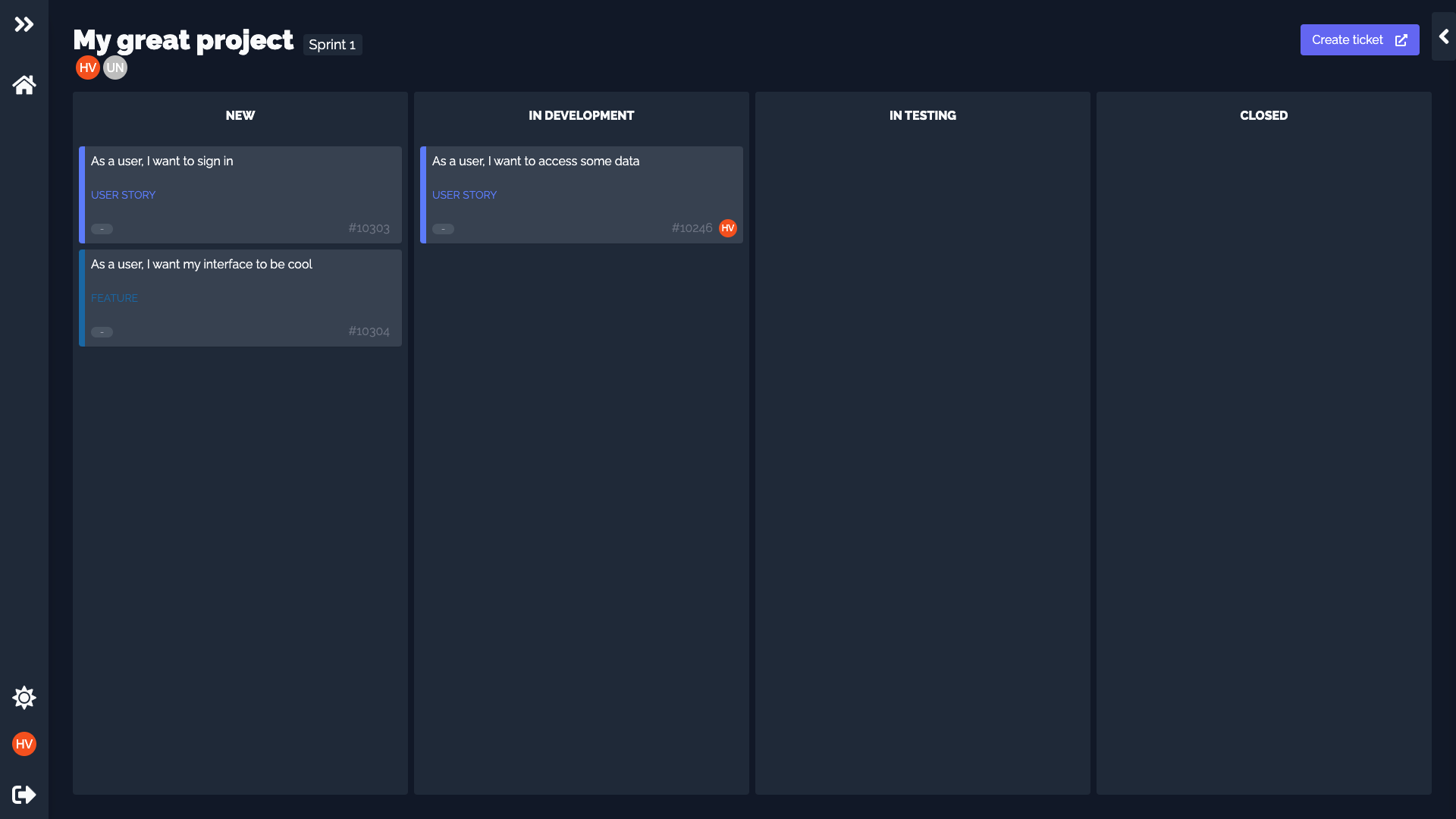 ## Installation This is a [Next.js](https://nextjs.org/) project bootstrapped with [`create-next-app`](https://github.com/vercel/next.js/tree/canary/packages/create-next-app). ### Environment variables ```env OP_CLIENT_ID= OP_CLIENT_SECRET= NEXT_AUTH_SECRET= NEXT_PUBLIC_OP_URL= ``` For OP_CLIENT_ID and OP_CLIENT_SECRET, follow the [documentation](https://www.openproject.org/docs/system-admin-guide/authentication/oauth-applications/) to get your client id and secret. NEXT_AUTH_SECRET, generate a unique secret. You can use : ``` openssl rand -base64 32 ``` For NEXT_PUBLIC_OP_URL, it's your open project URL. ### Local Clone this repository Install dependancies ```bash npm install ``` Run the dev server ```bash npm run dev ``` ### Deploy on Vercel The easiest way to deploy your Next.js app is to use the [Vercel Platform](https://vercel.com/new?utm_medium=default-template&filter=next.js&utm_source=create-next-app&utm_campaign=create-next-app-readme) from the creators of Next.js. Check out our [Next.js deployment documentation](https://nextjs.org/docs/deployment) for more details.